
Starting Odoo “already with accounting” is not a single blind journal entry. In this session Albert builds the opening with invoice detail: one partner, one line per invoice, due date, and —if the database already has 2025— reversing the year so you do not duplicate.
If on 1 January the bank or account 430 is out of balance, the problem is almost never the journal. It is how the opening went in.
opening date:
the day before the fiscal year
per outstanding
customer or vendor invoice
the full video
with payment terms and reversal
New entry, the day before
Accounting → Journal Entries → New. Date: the day before the year you open. Capital, banks, stock: the usual balances. The trick is customers and vendors.
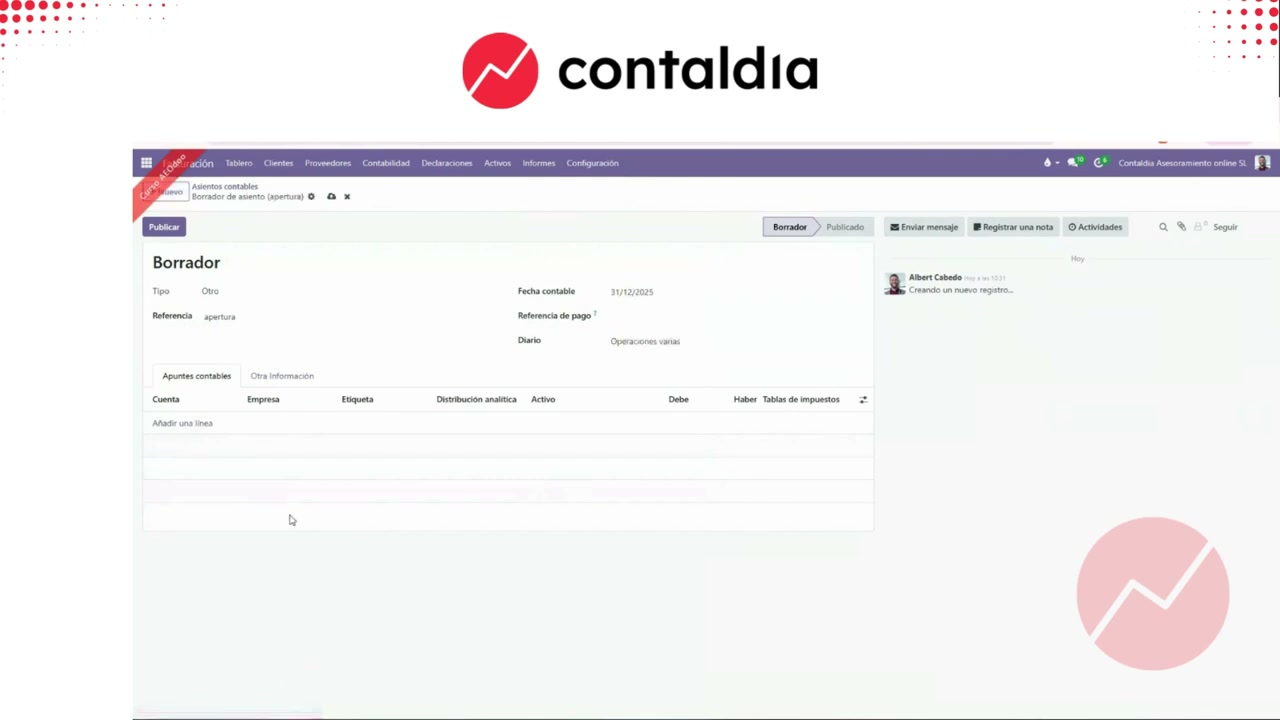
Do not create 430/400 sub-accounts
On customers and vendors, do not create their accounts. Enter the contact (partner). If that partner has two invoices, two lines. In the video: INV 25/003 and INV 0042. Then you reconcile invoice by invoice, not one fat balance.
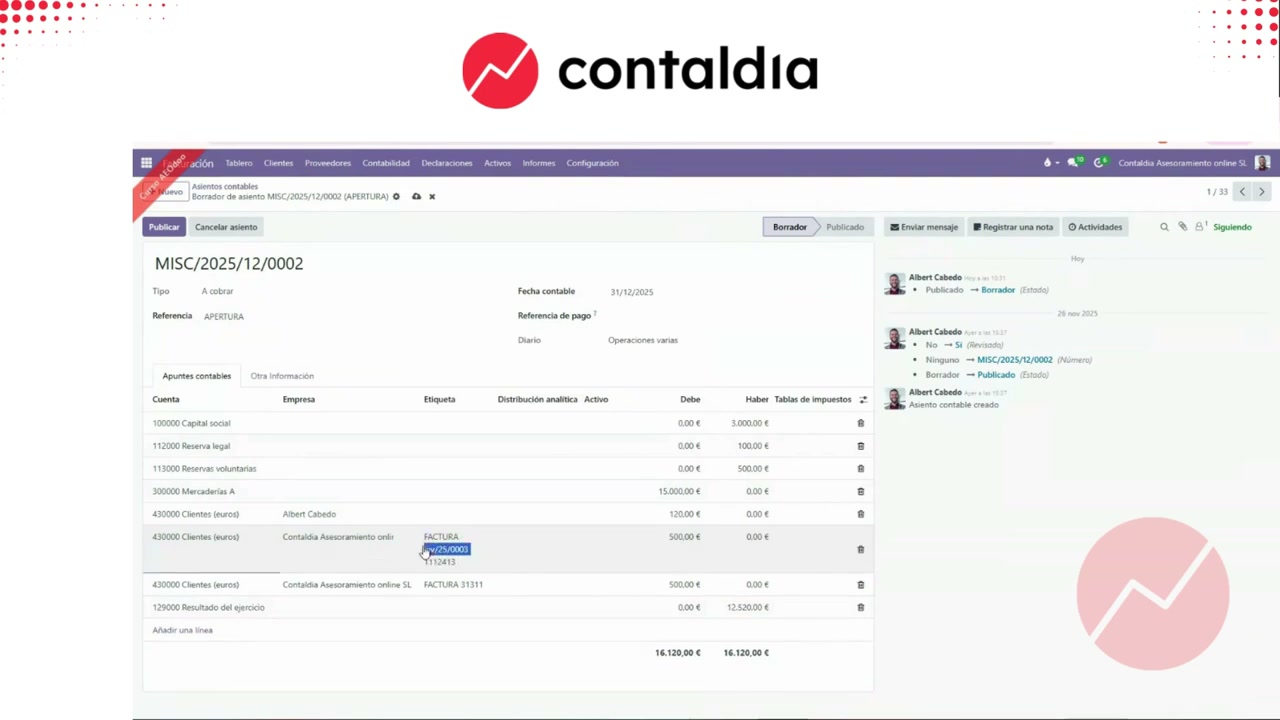
One line per invoice. The invoice reference travels with the move line.
Due date: payment terms module
Once the entry is posted, go to journal items or the payment terms module. There you set each line’s due date. If the module is missing, install it (in the video: “efectos”).
If the opening is a single entry, the due date is edited on the line. Without a due date, collections follow-up is a parallel spreadsheet.
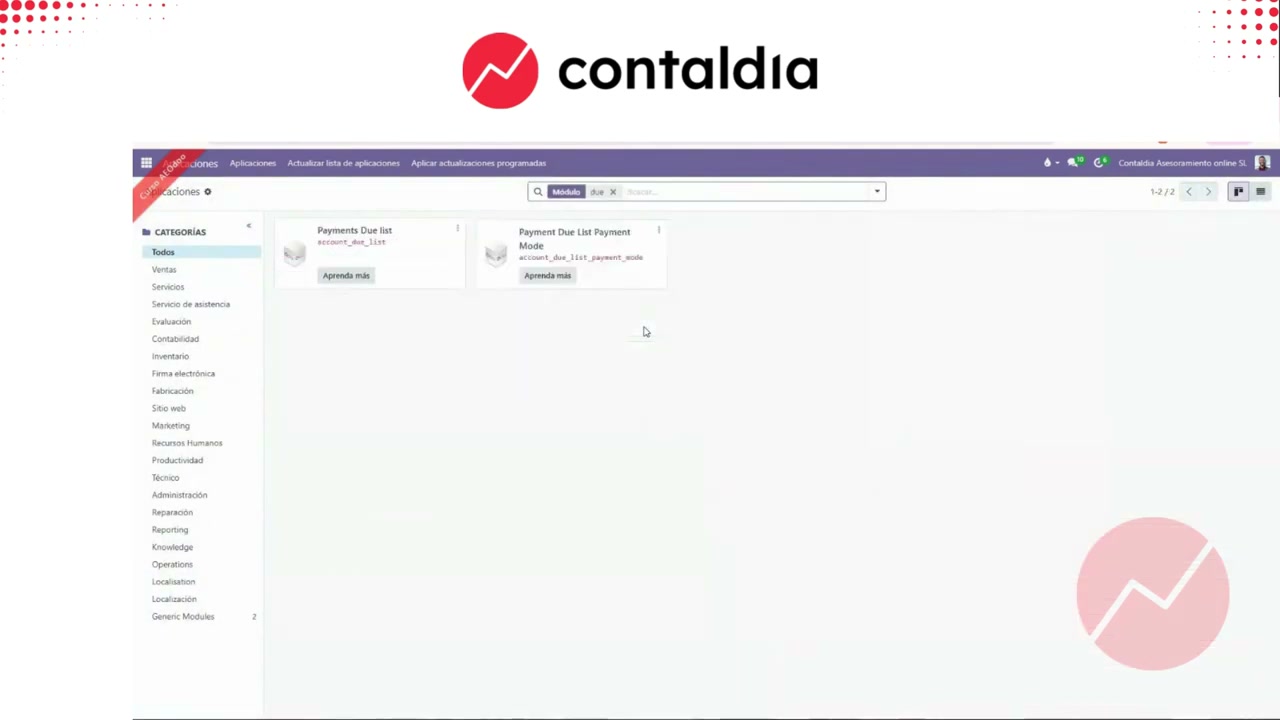
Payment terms
From payment terms (or from the journal item) you edit the line and set the due date. In the demo Albert insists: if it will not let you edit, check the entry state (draft / posted) and the module.
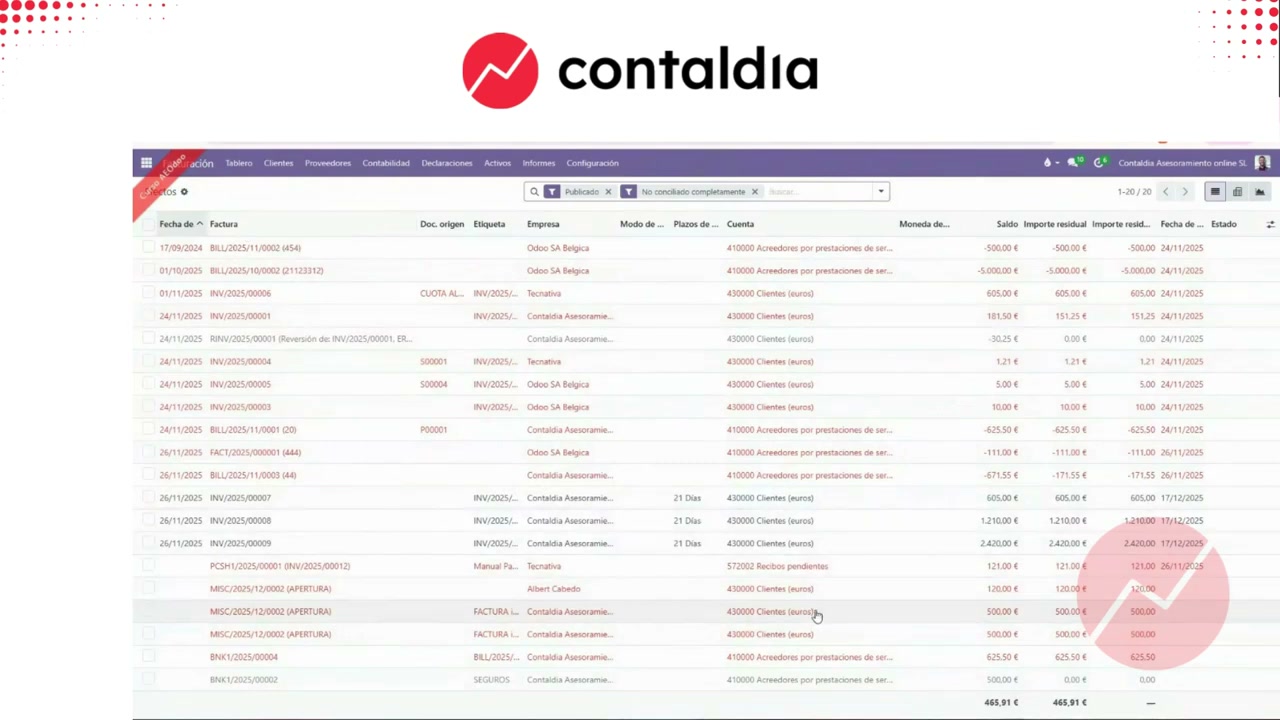
Due date on the item. Then the term behaves like an outstanding invoice.
If Odoo already has year 2025
Do not duplicate. Albert zeros 2025 accounting with a reversal entry, and keeps open invoices to reconcile them with the opening. Opening against reversal reconcile; what remains are invoices still to collect or pay, even if they come from before.
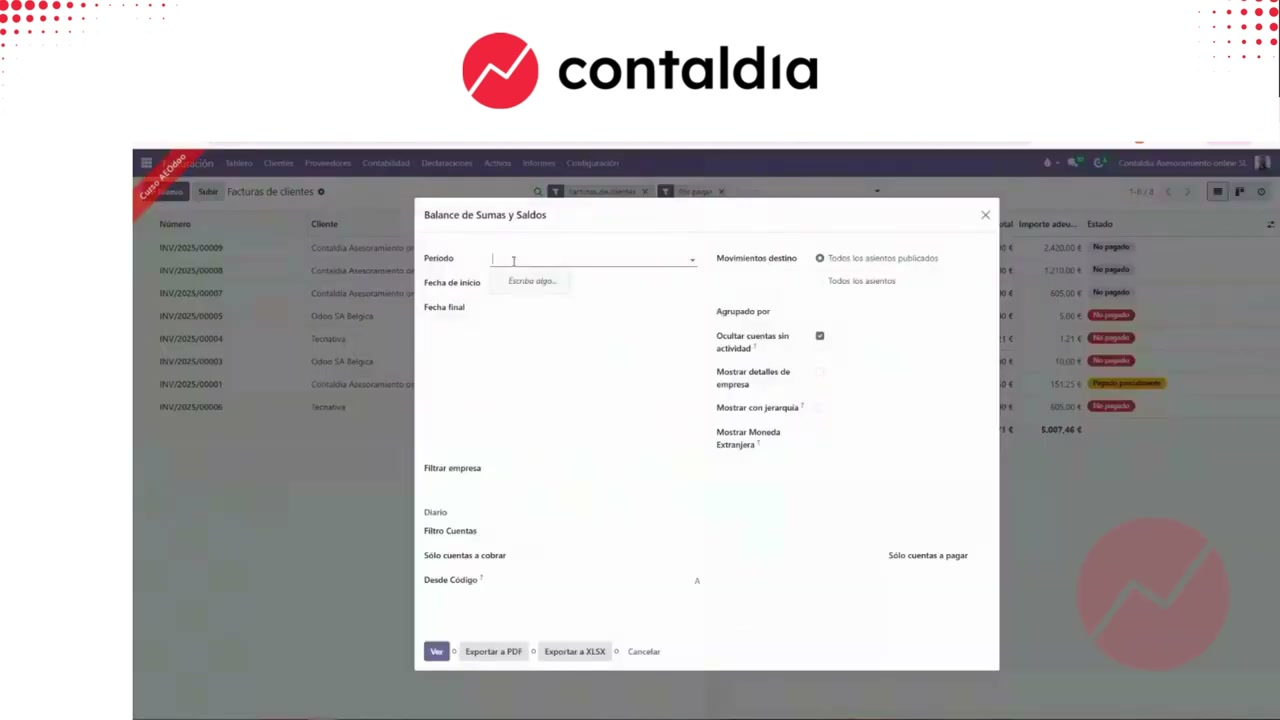
2025 with moves. If you open “on top”, you duplicate. Reverse first.
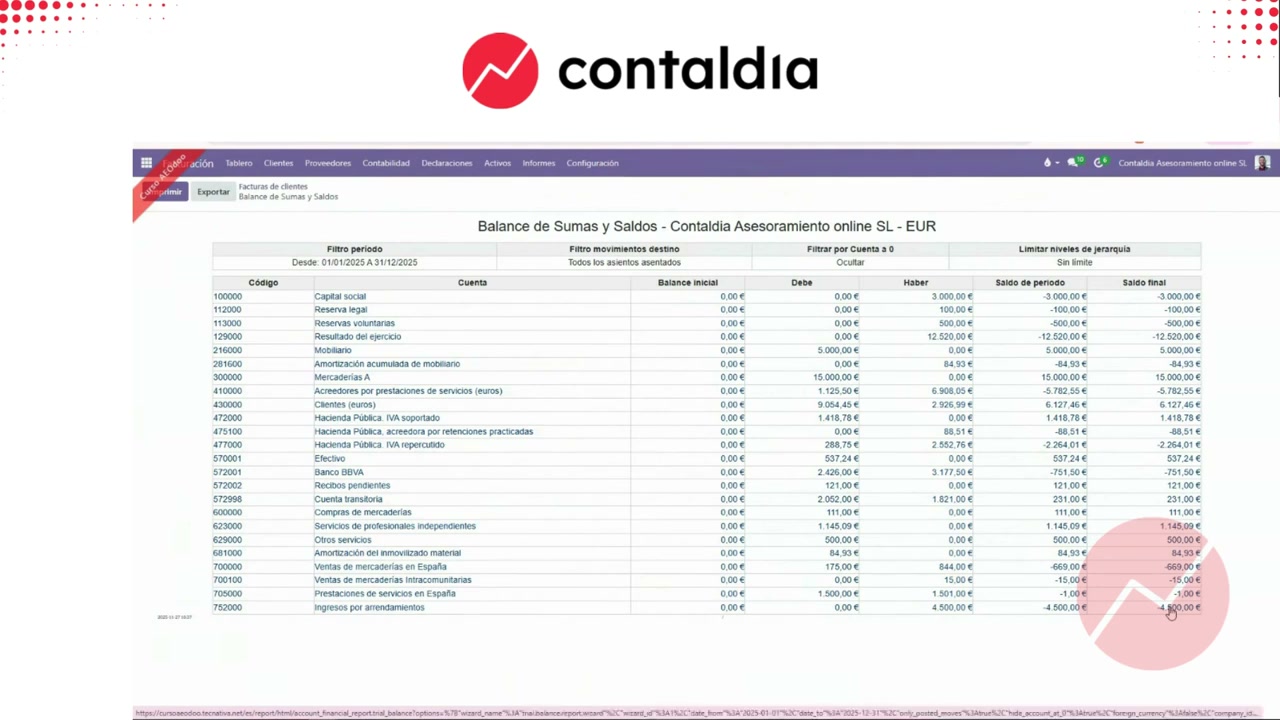
Reverse entry
Reversal of the year that was already in Odoo. The two (opening + reversal) go to zero when you reconcile. Prior invoices stay open, to collect or pay as usual.
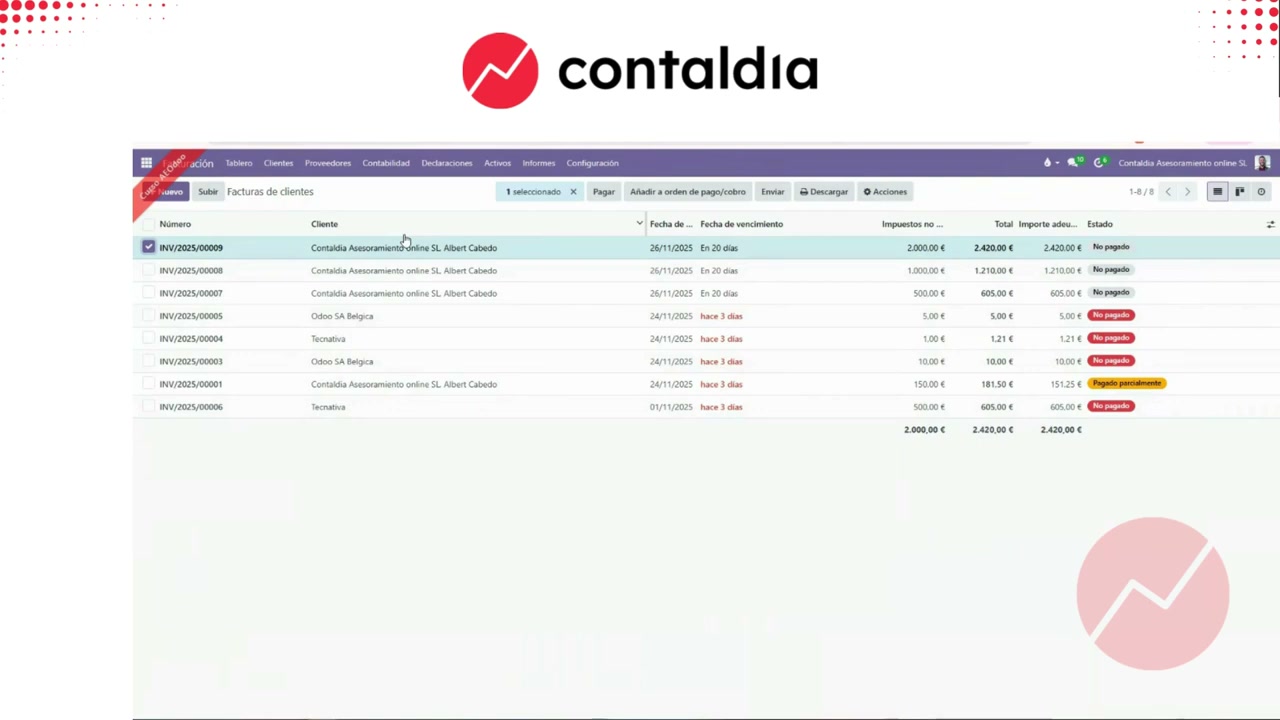
Opening against reversal. Customer and vendor invoices stay alive.
Migration or opening stuck?
info@contaldia.com · 931 94 94 80
The Spanish accounting course is on 29 October (12:00–14:00, online).